For pros

Selling or photographing homes? We stage empty listings, priced per photo.

Virtual staging
PlaceReveal
Log inDesign my home

Interior software

Interior software without the learning curve: the input is a photo

No layers, no project files, no course. Photo in, eight room designs out. First ten free.

Design my room

10 free designs · no credit card

Interior software result on the same room
Room photo before using interior software
BeforeAfter

01 — Presets

Eleven presets replace the toolbar

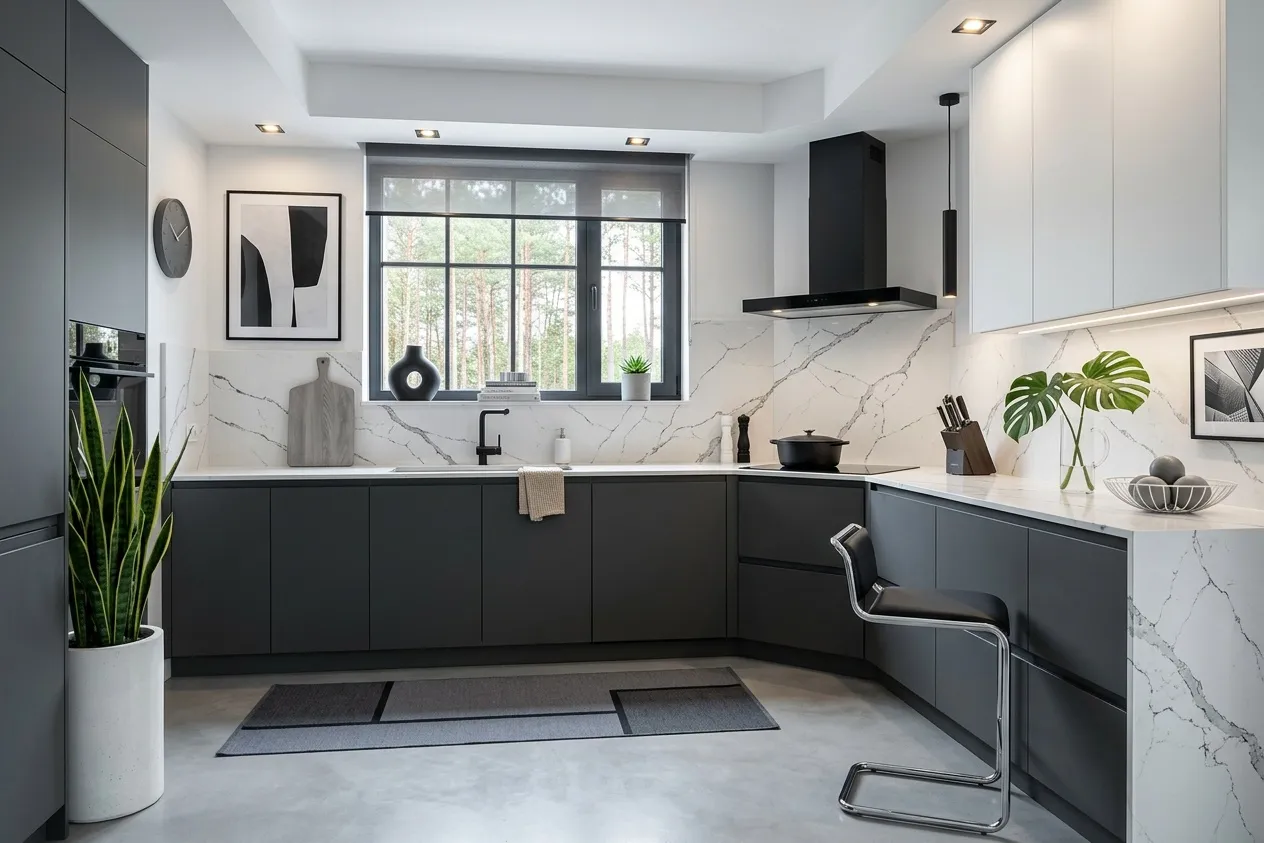
Each does one named job on one photo: Renovate, Decorate, Declutter, Virtual Staging and the rest. Walls, openings, ceiling height and camera angle stay fixed.
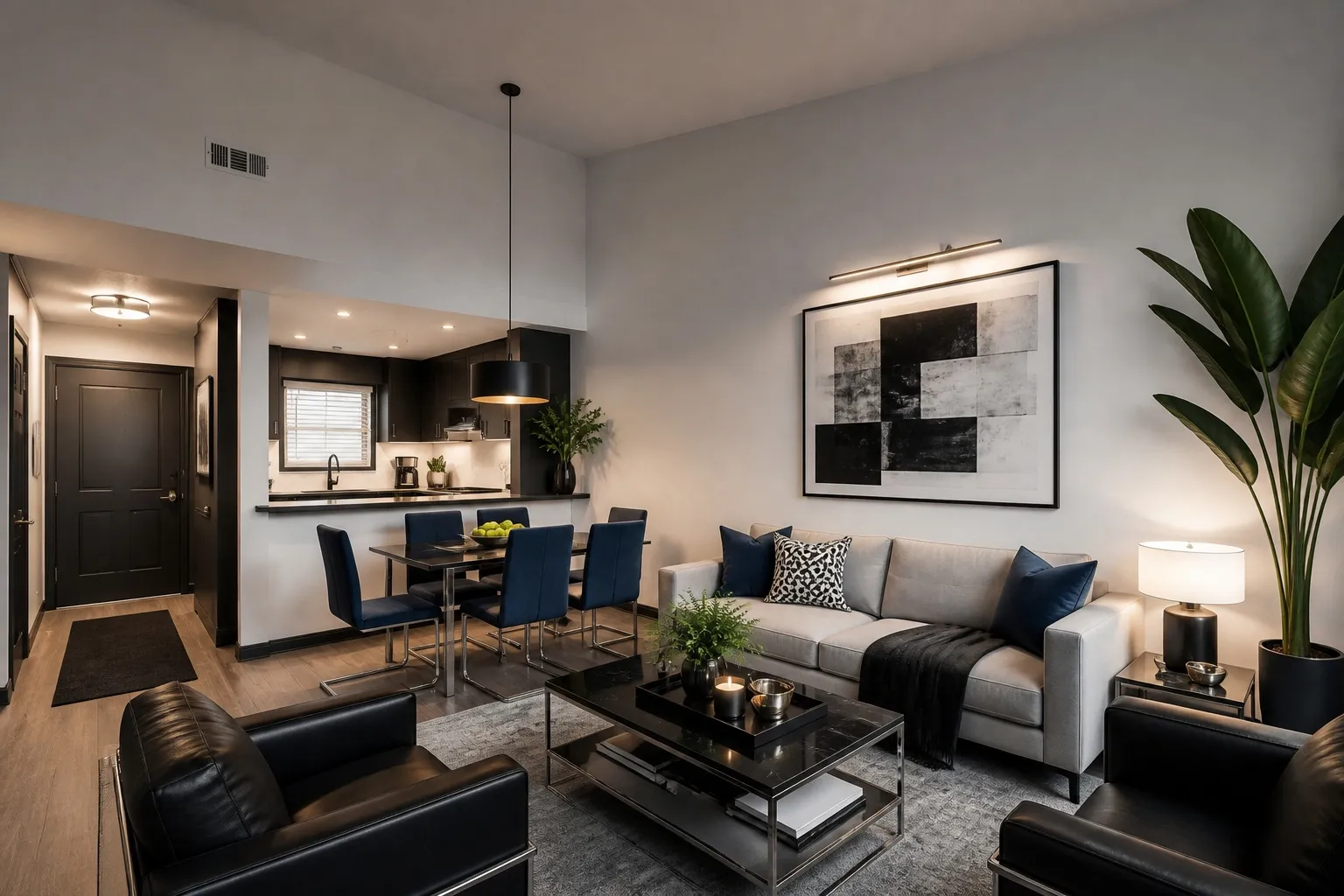
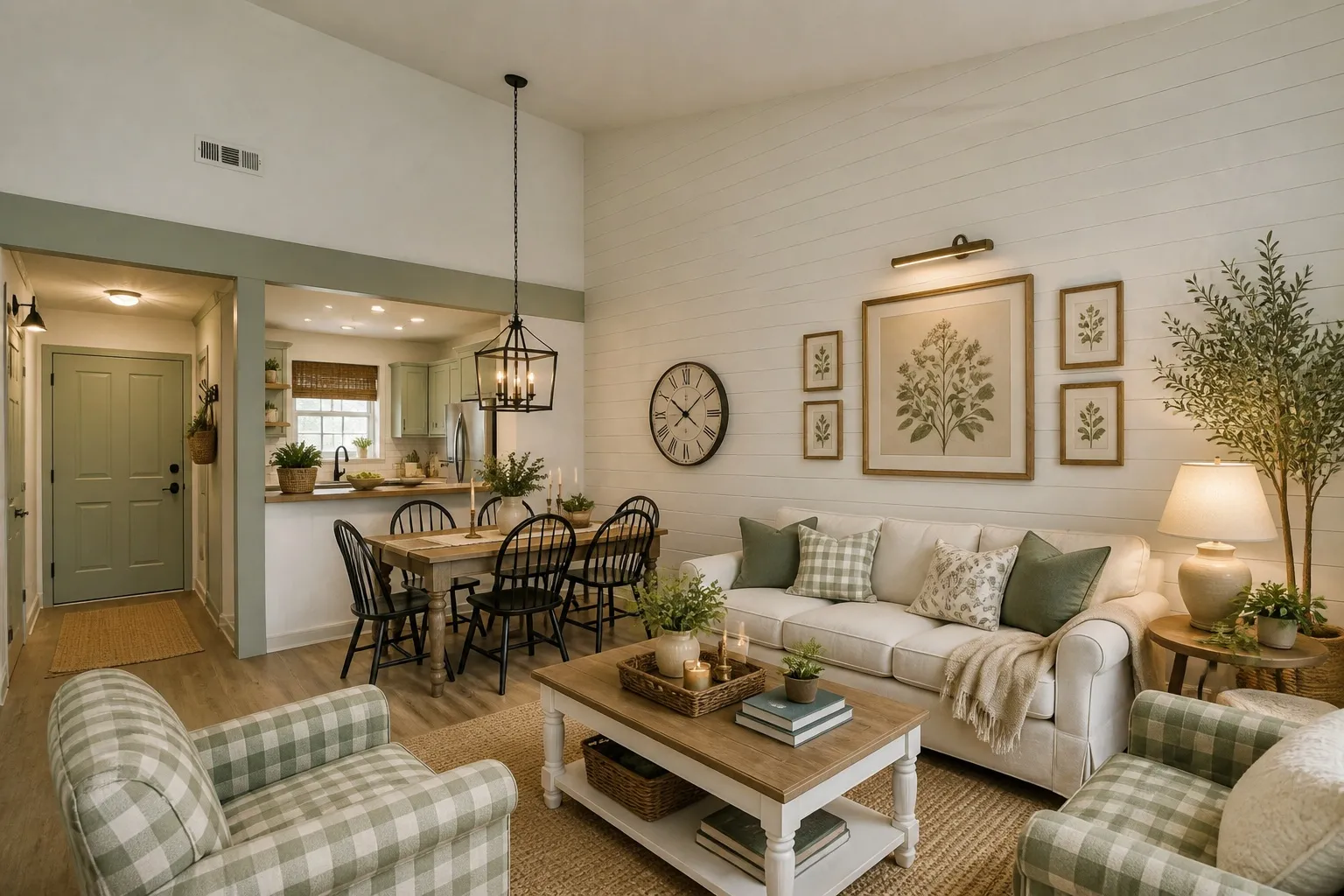
Interior software renovating a whole room from a photo
Before: Interior software renovating a whole room from a photo
Renovate · Living room
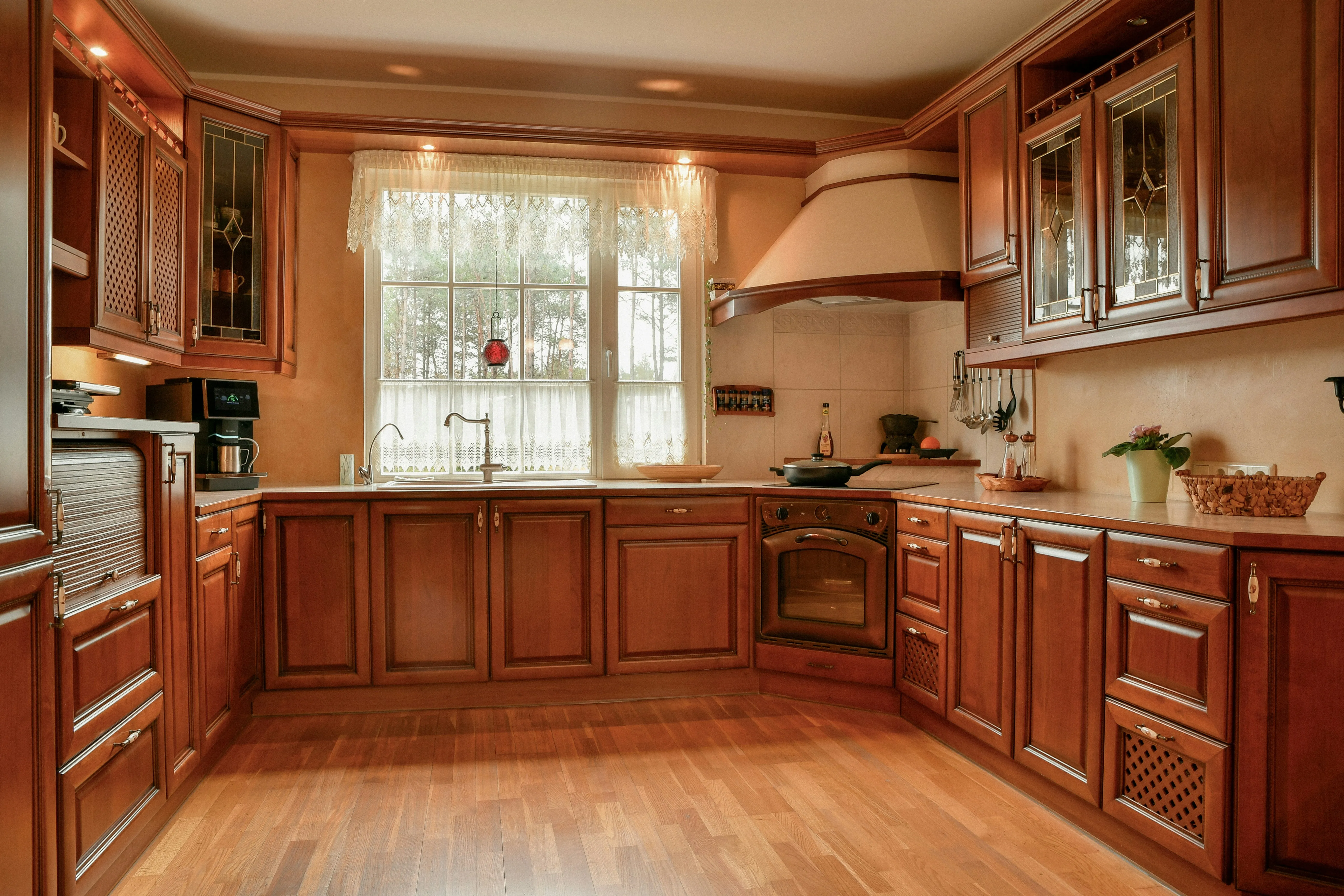
Dated cherry-wood kitchen renovated in the Modern style, same window and layout
Before: Dated cherry-wood kitchen renovated in the Modern style, same window and layout
Renovate · Kitchen
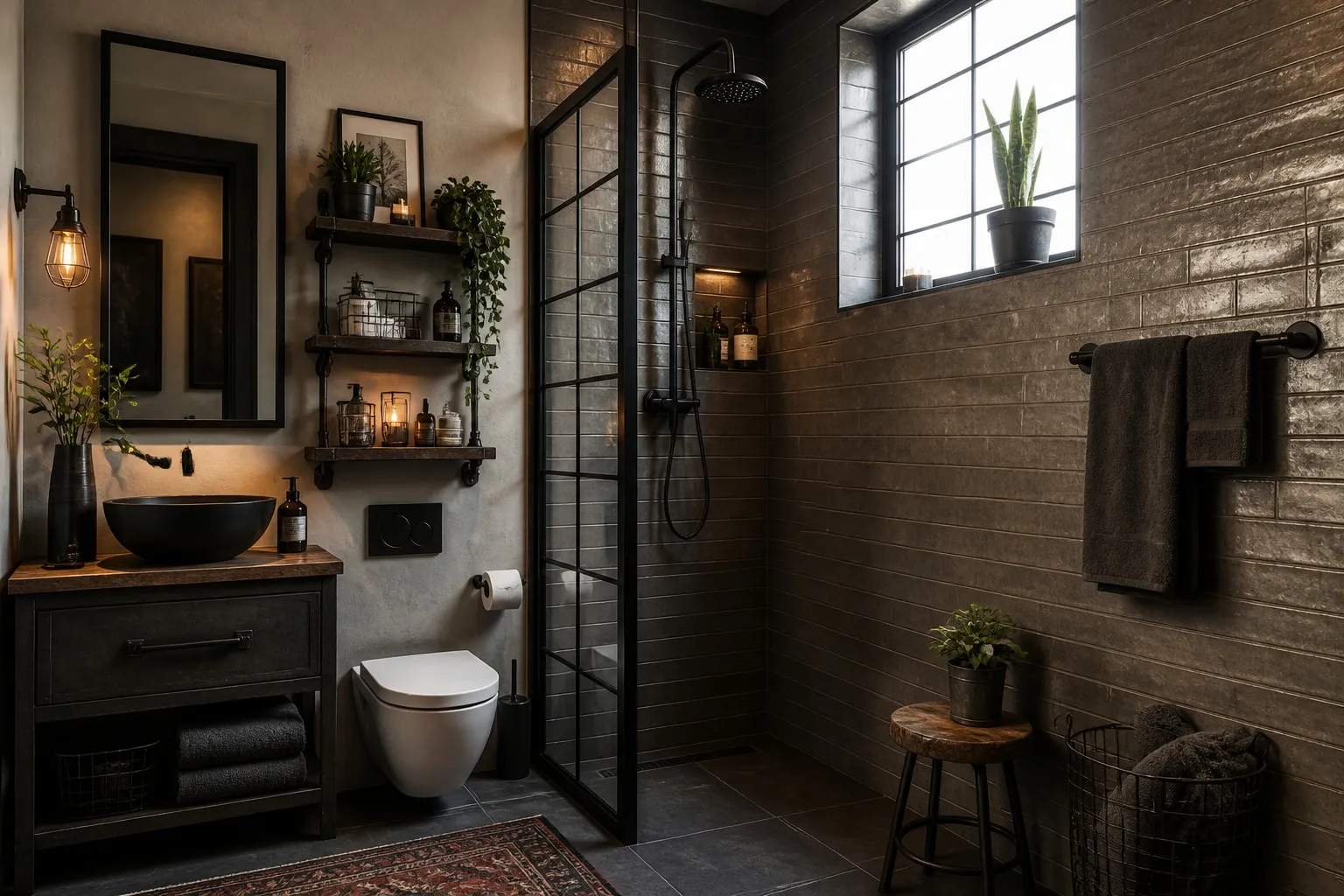
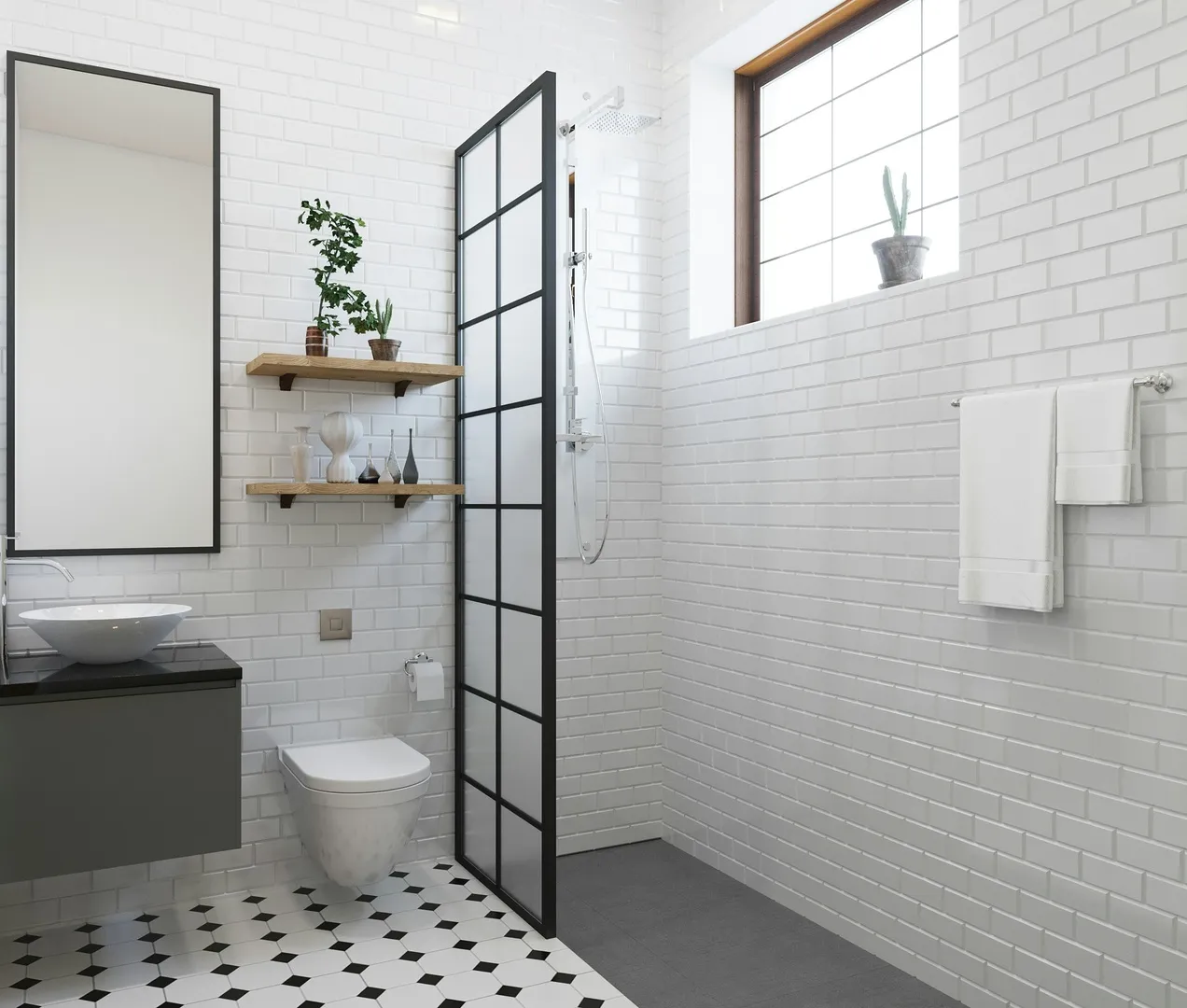
Interior AI software restyling a bathroom
Before: Interior AI software restyling a bathroom
Renovate · Bathroom
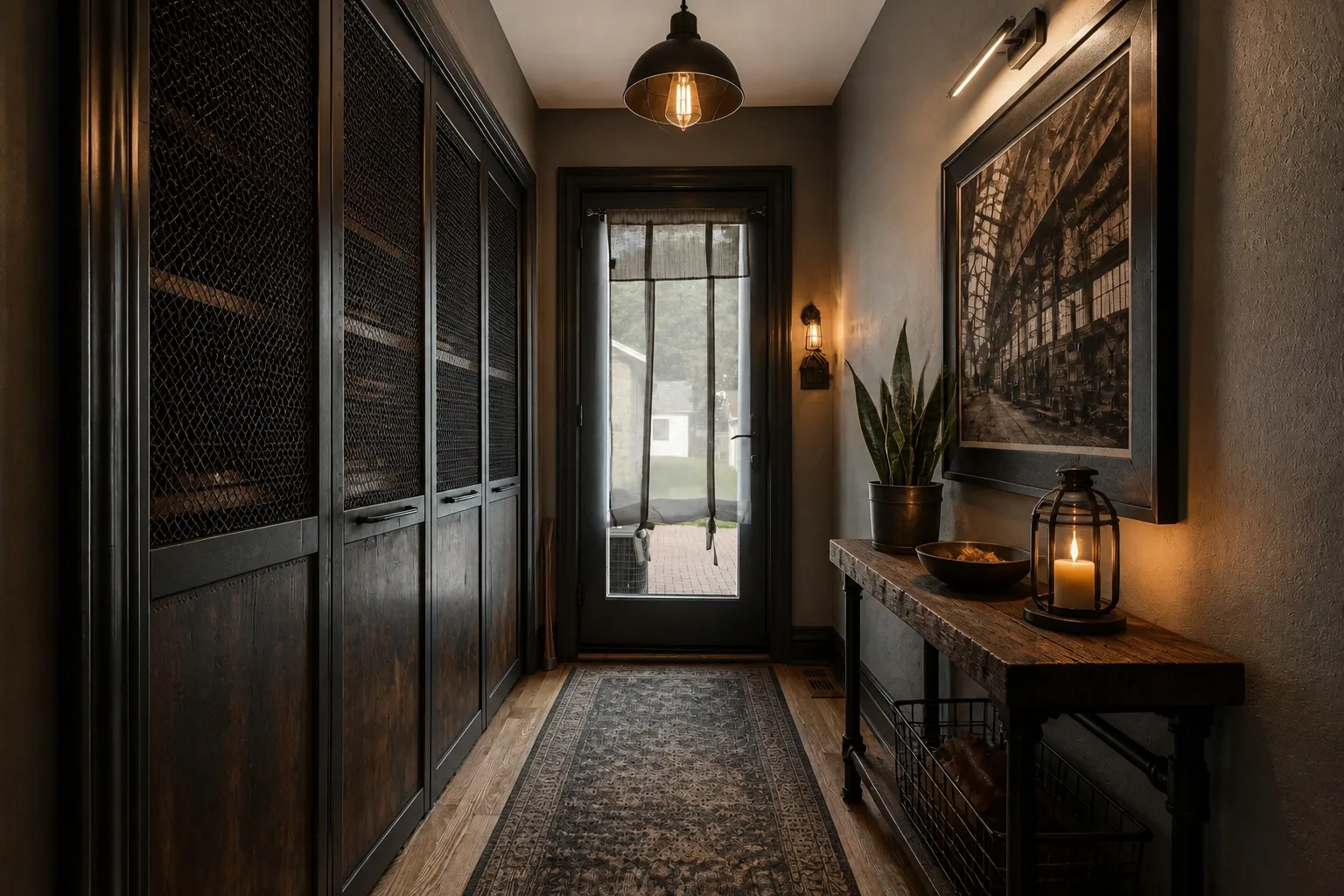
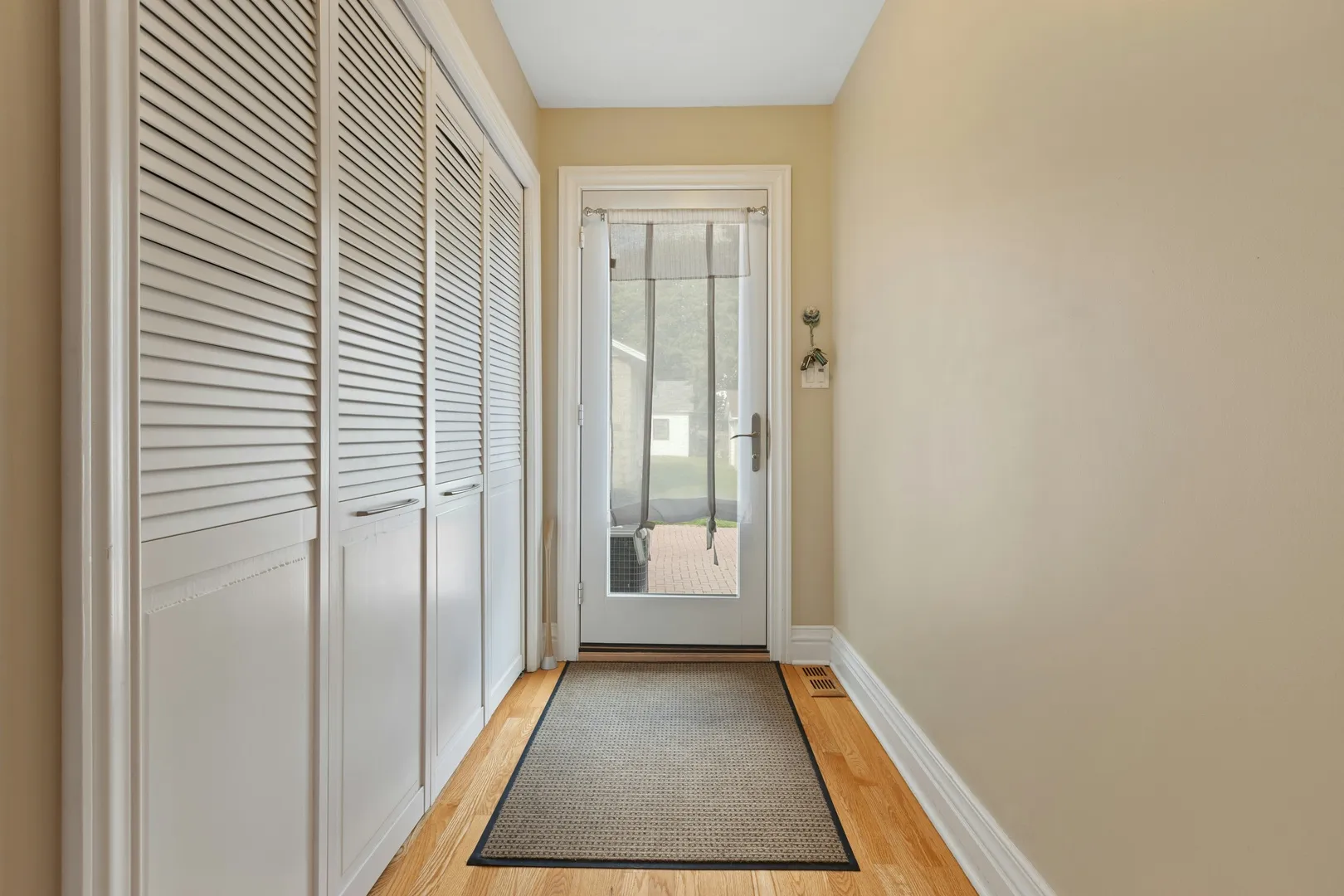
AI interior design from the same camera angle
Before: AI interior design from the same camera angle
Renovate · Hallway
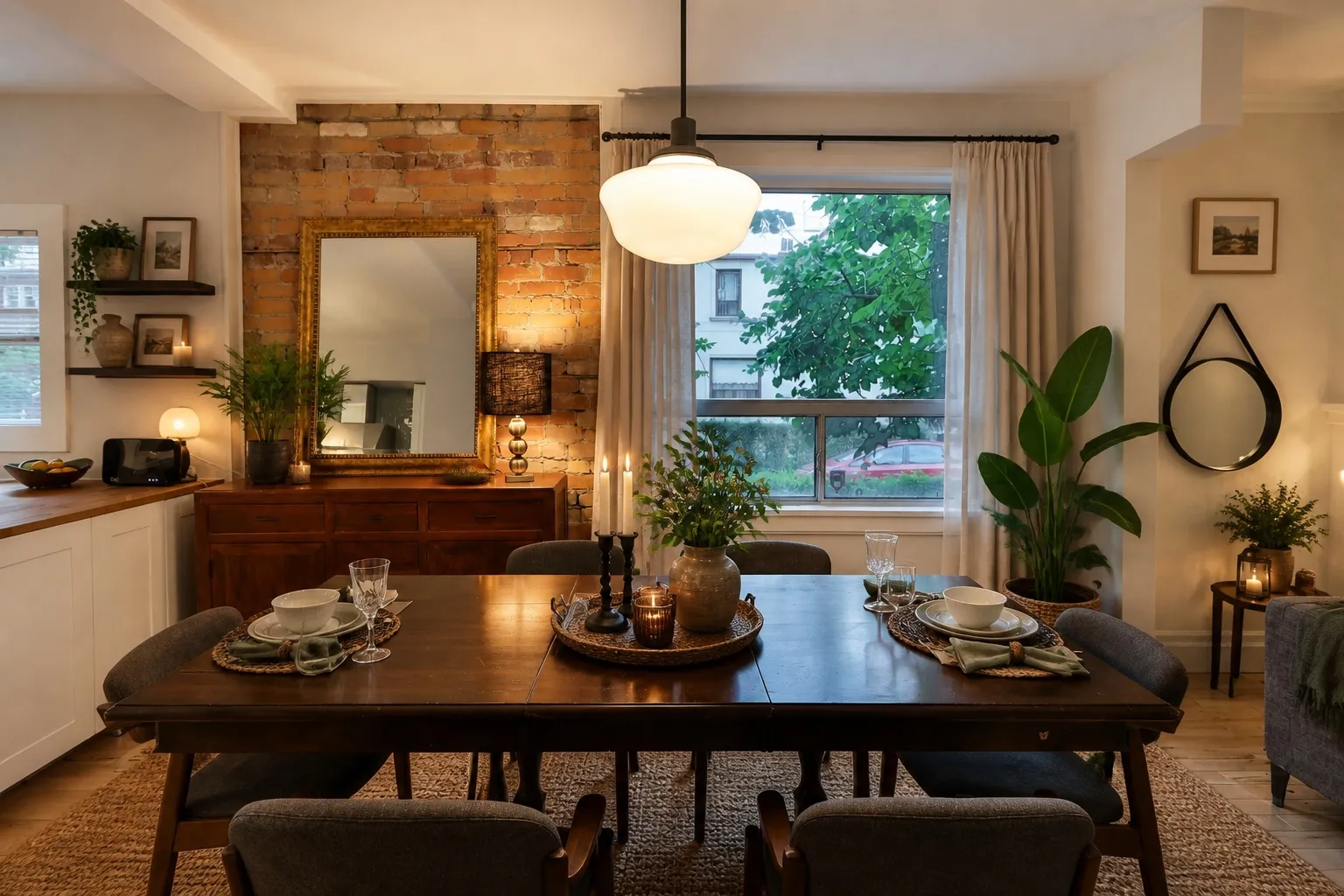
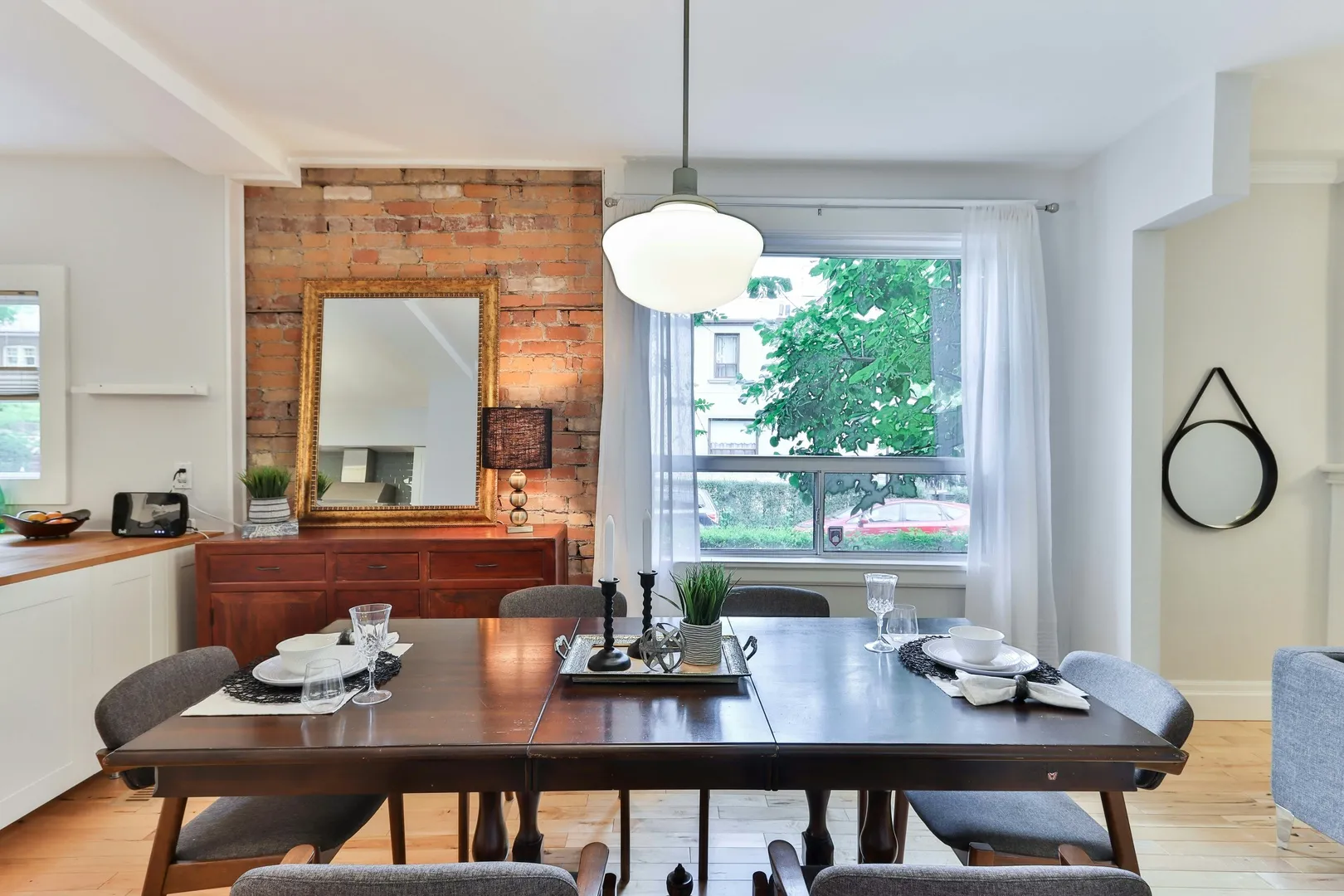
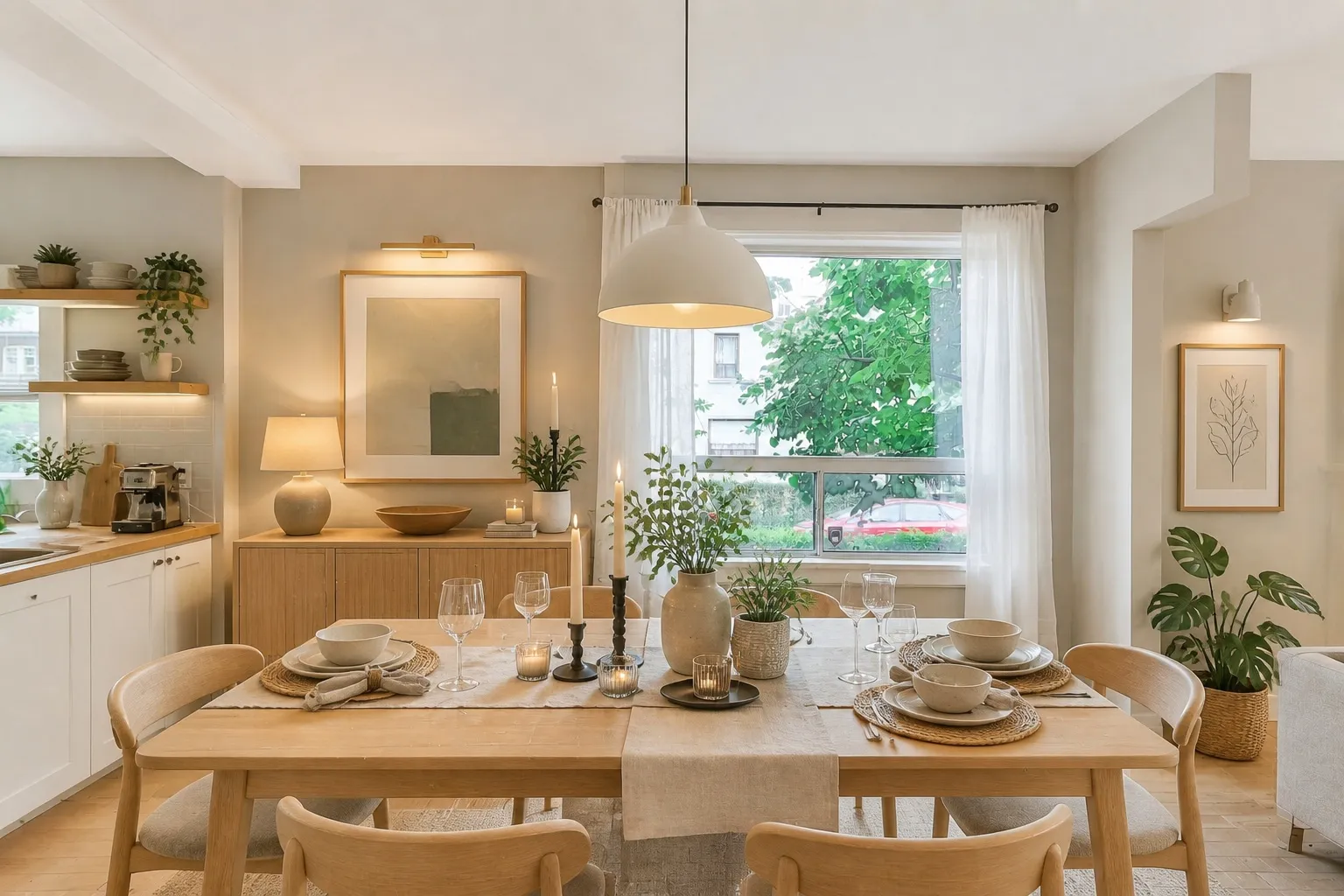
Interior software redesigning a dining corner
Before: Interior software redesigning a dining corner
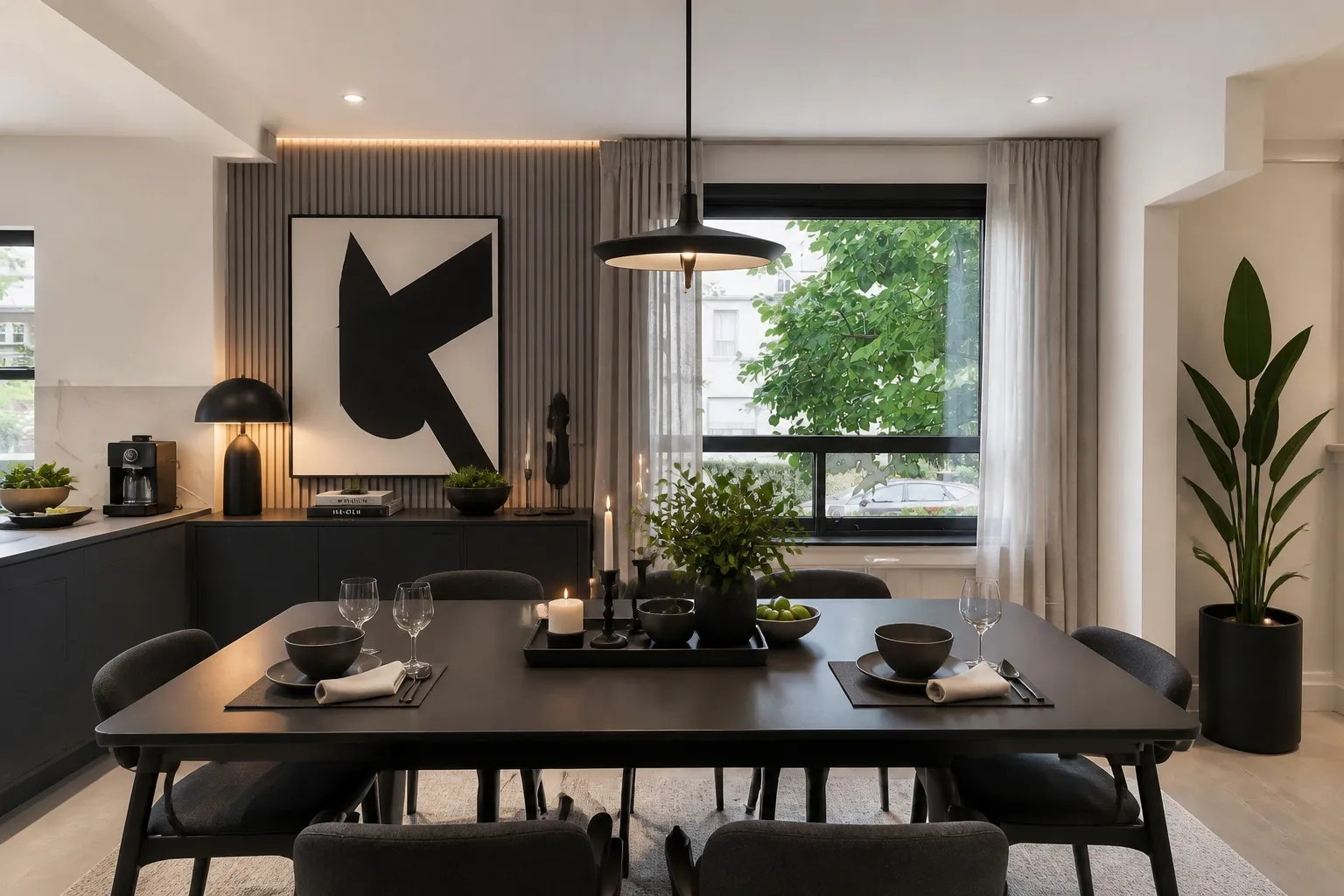
Decorate · Dining room
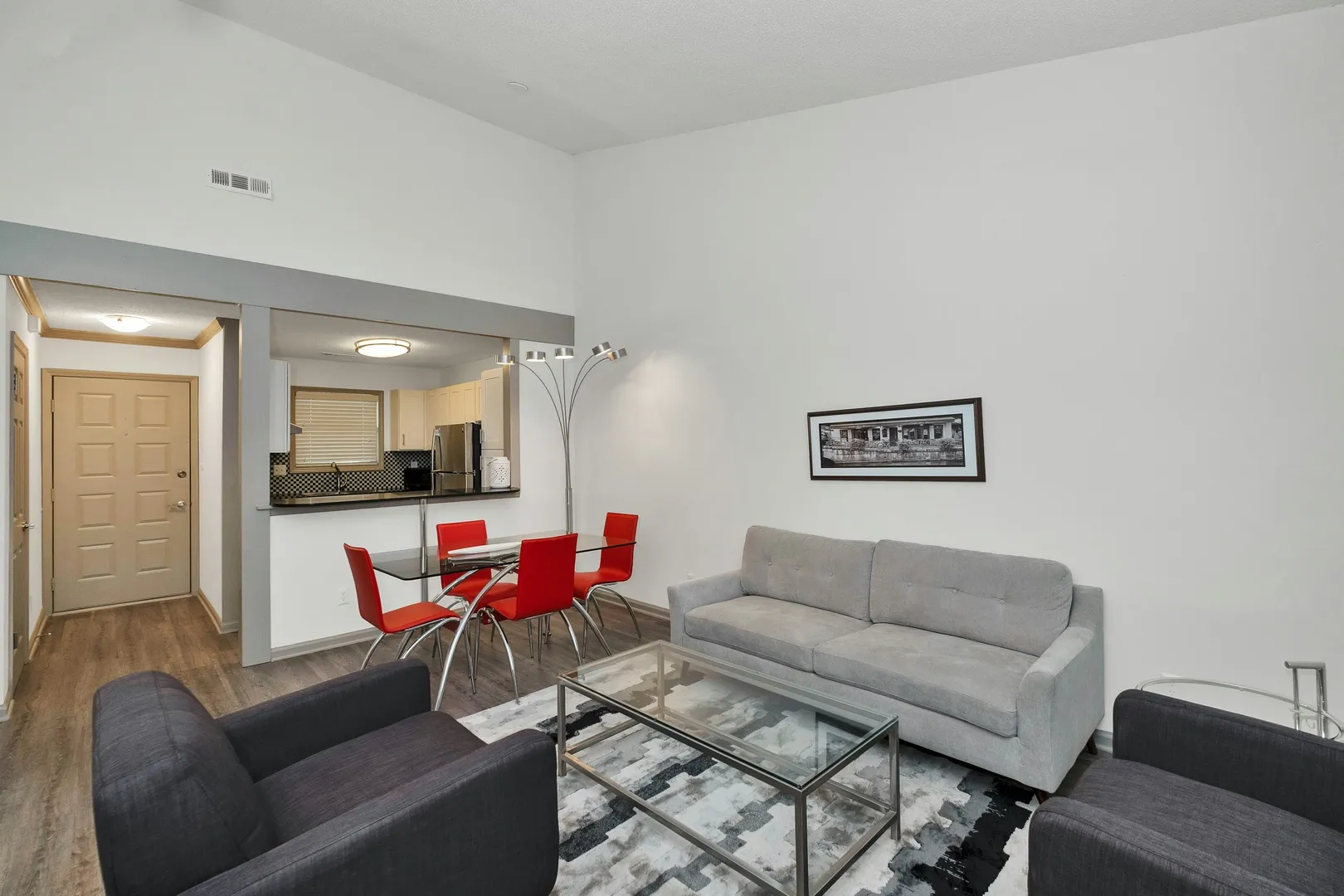
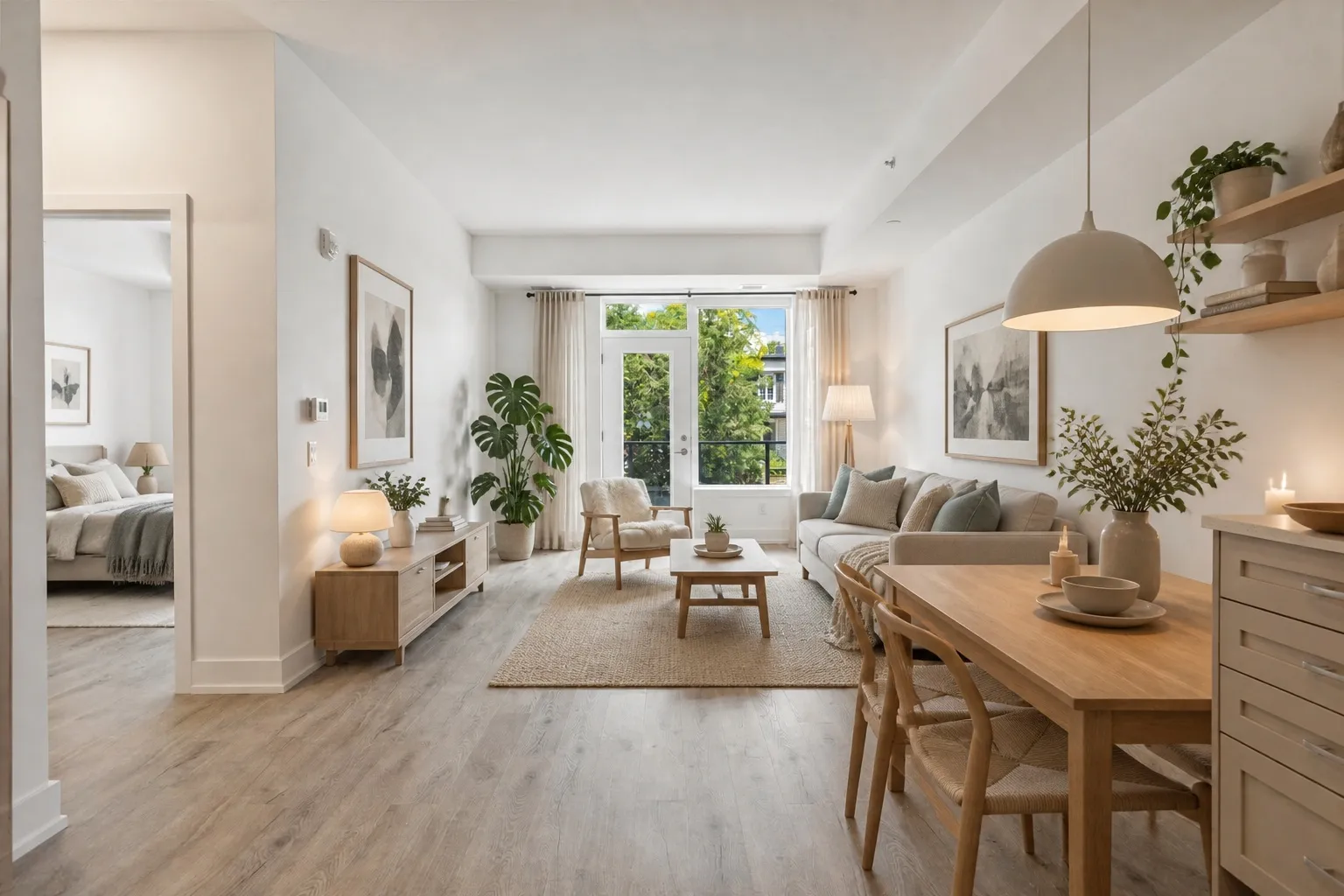
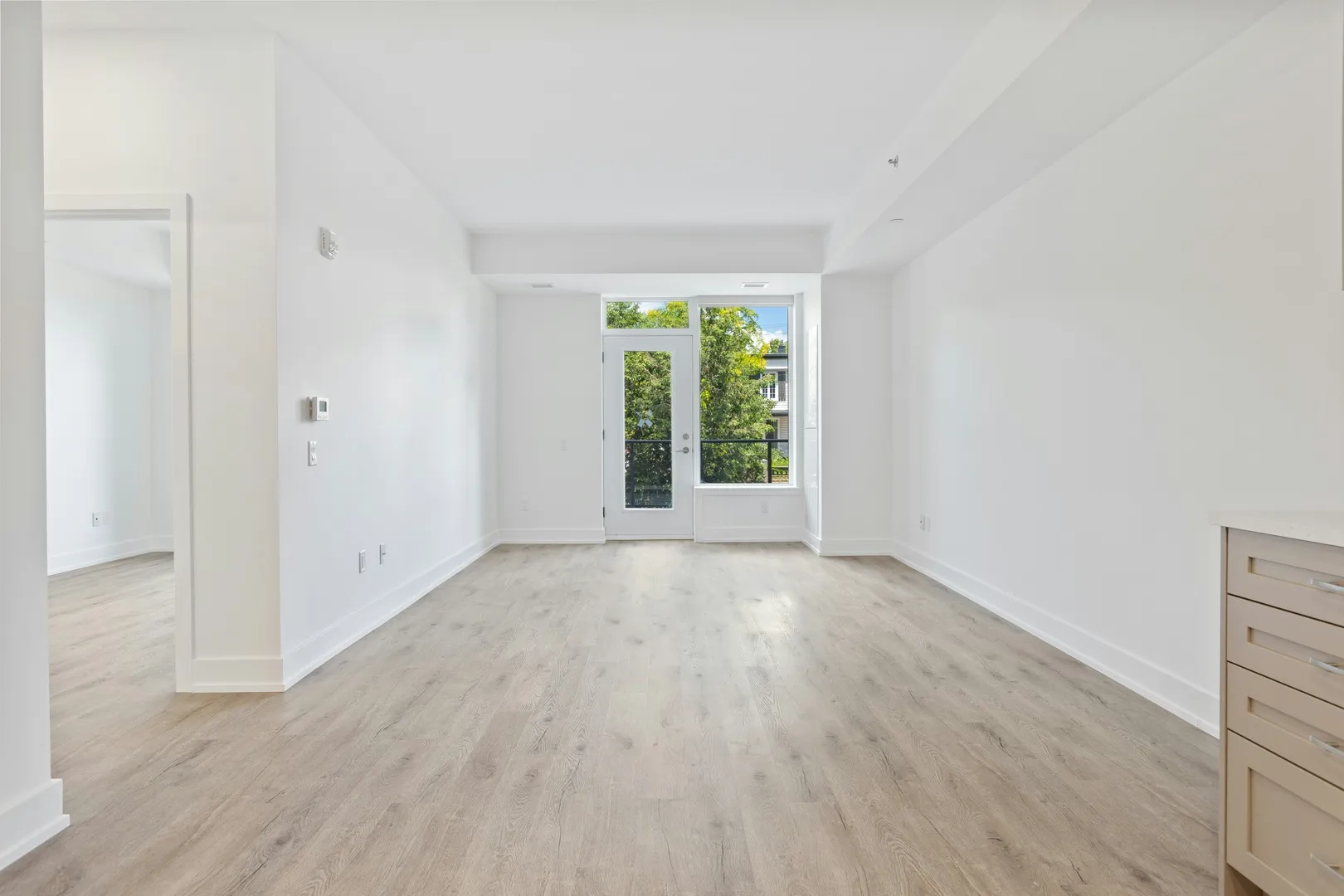
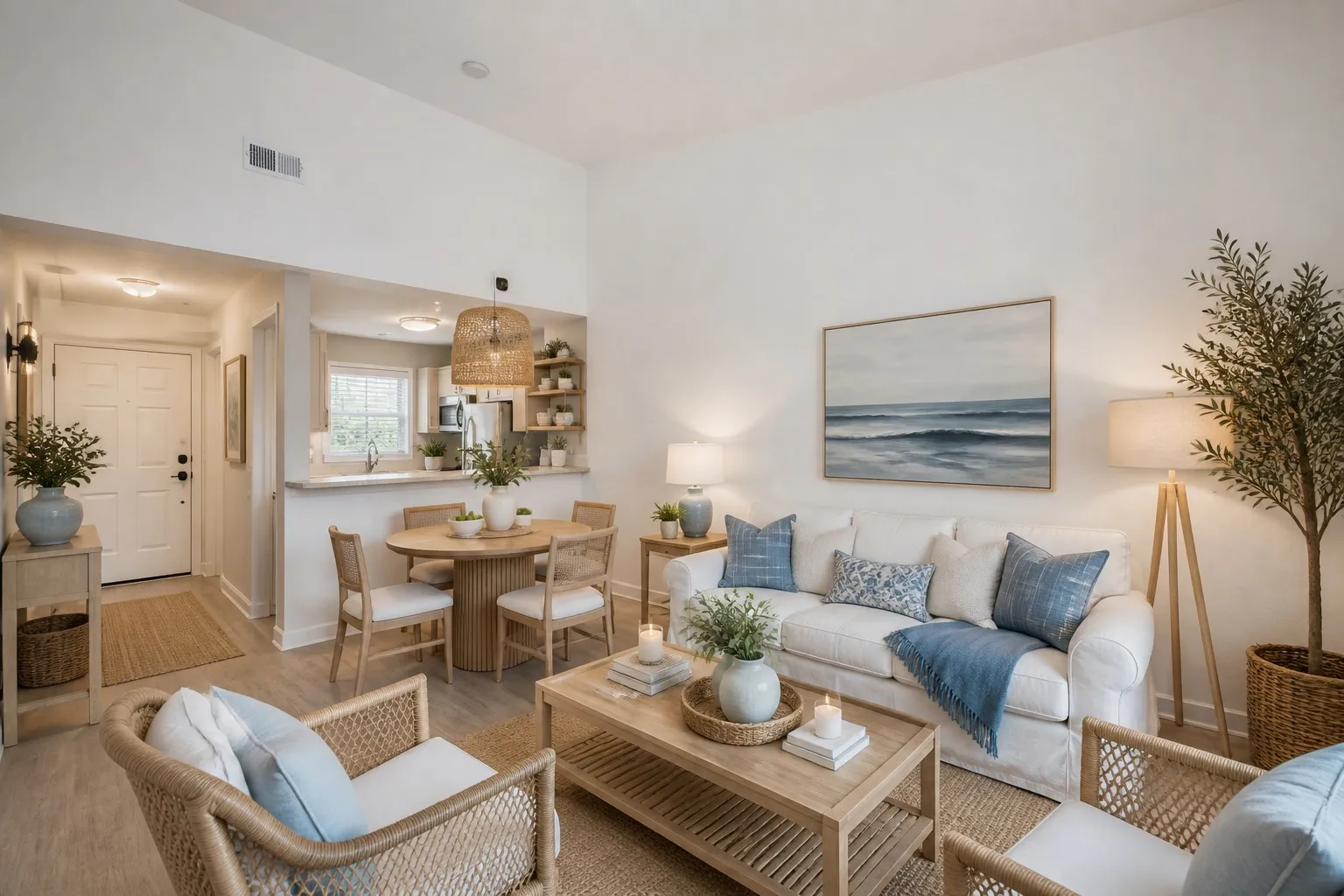
Interior AI software furnishing an empty room
Before: Interior AI software furnishing an empty room
Virtual Staging · Living room
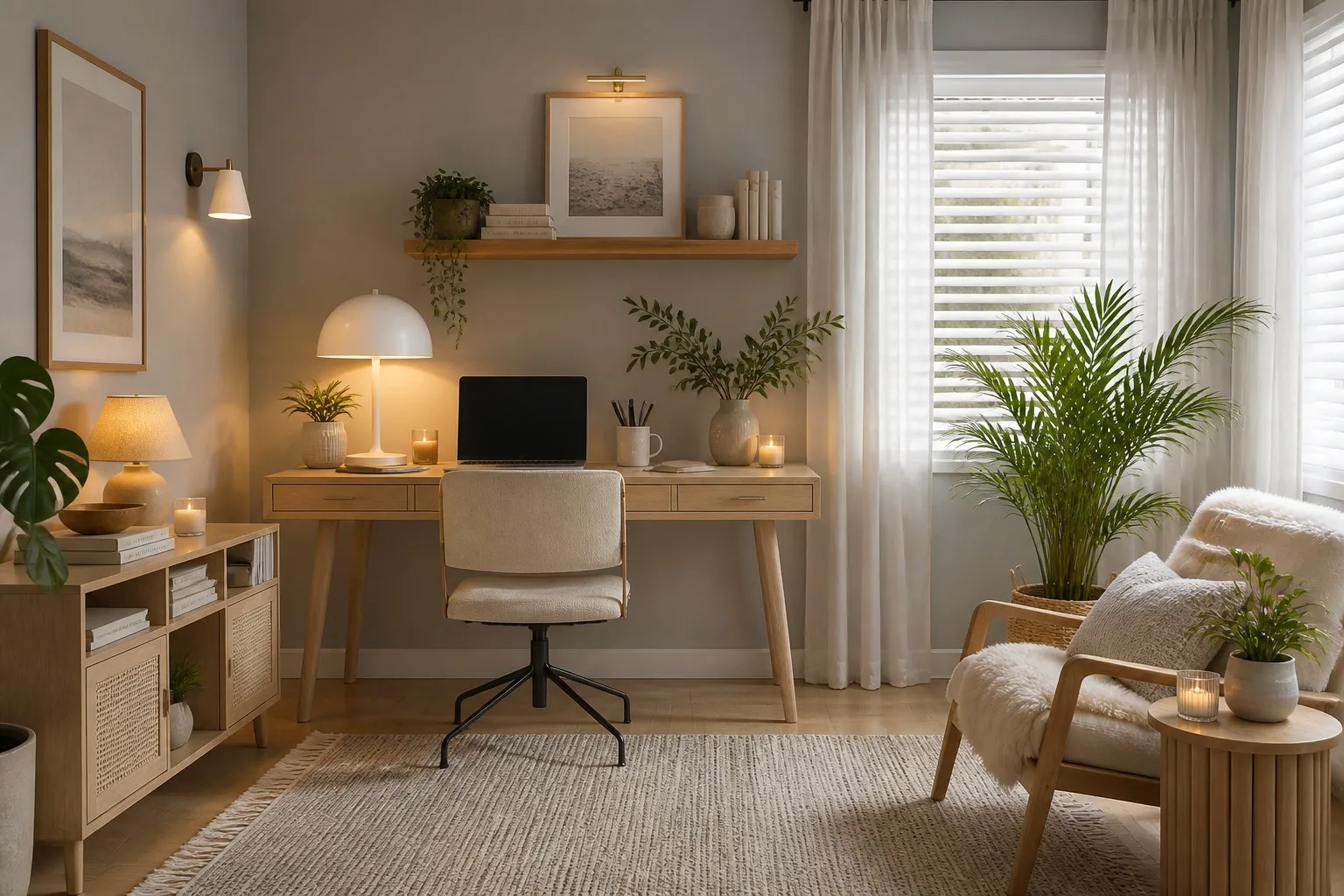
Interior architecture software keeping the room structure
Before: Interior architecture software keeping the room structure
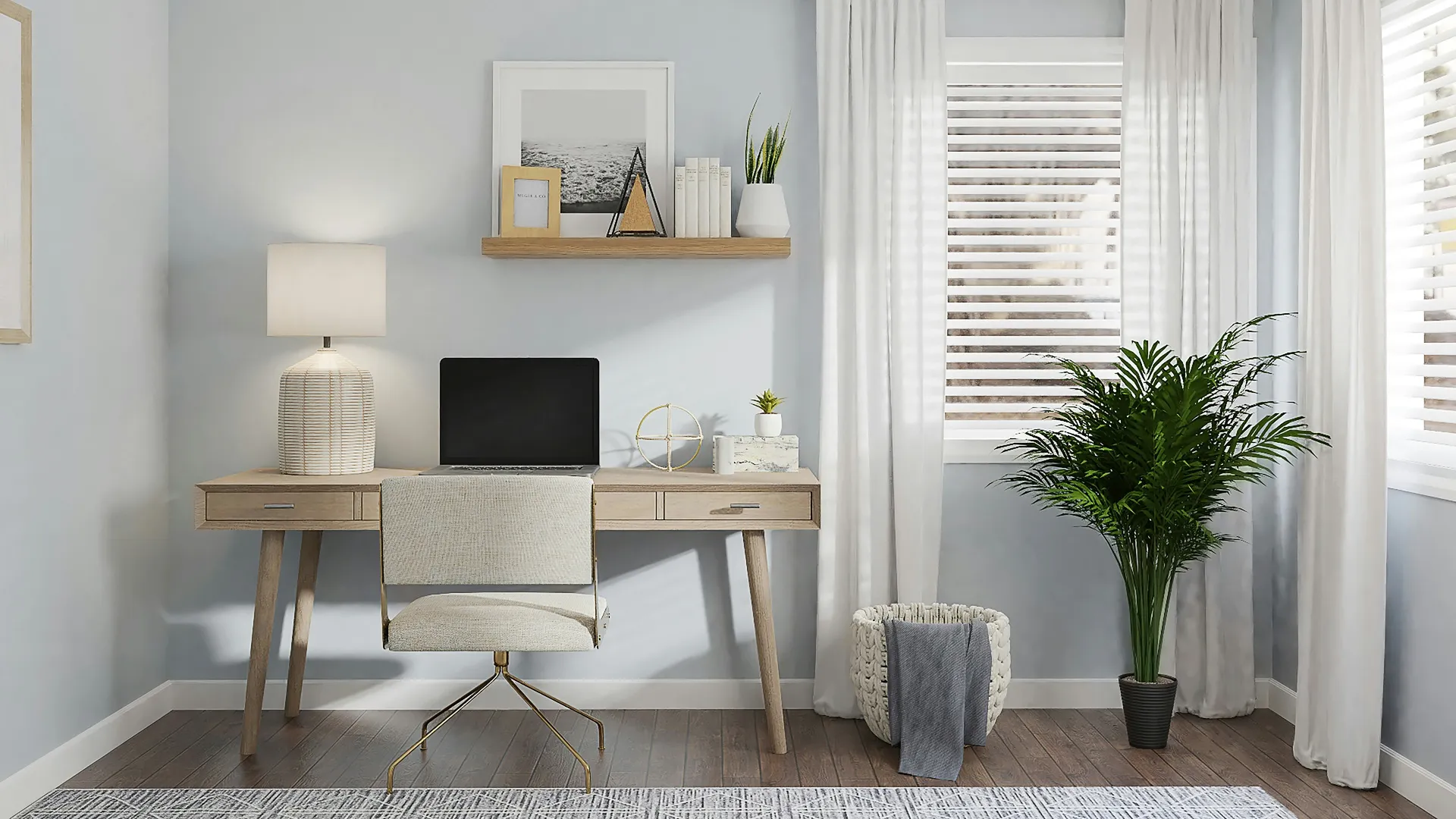
Renovate · Home office
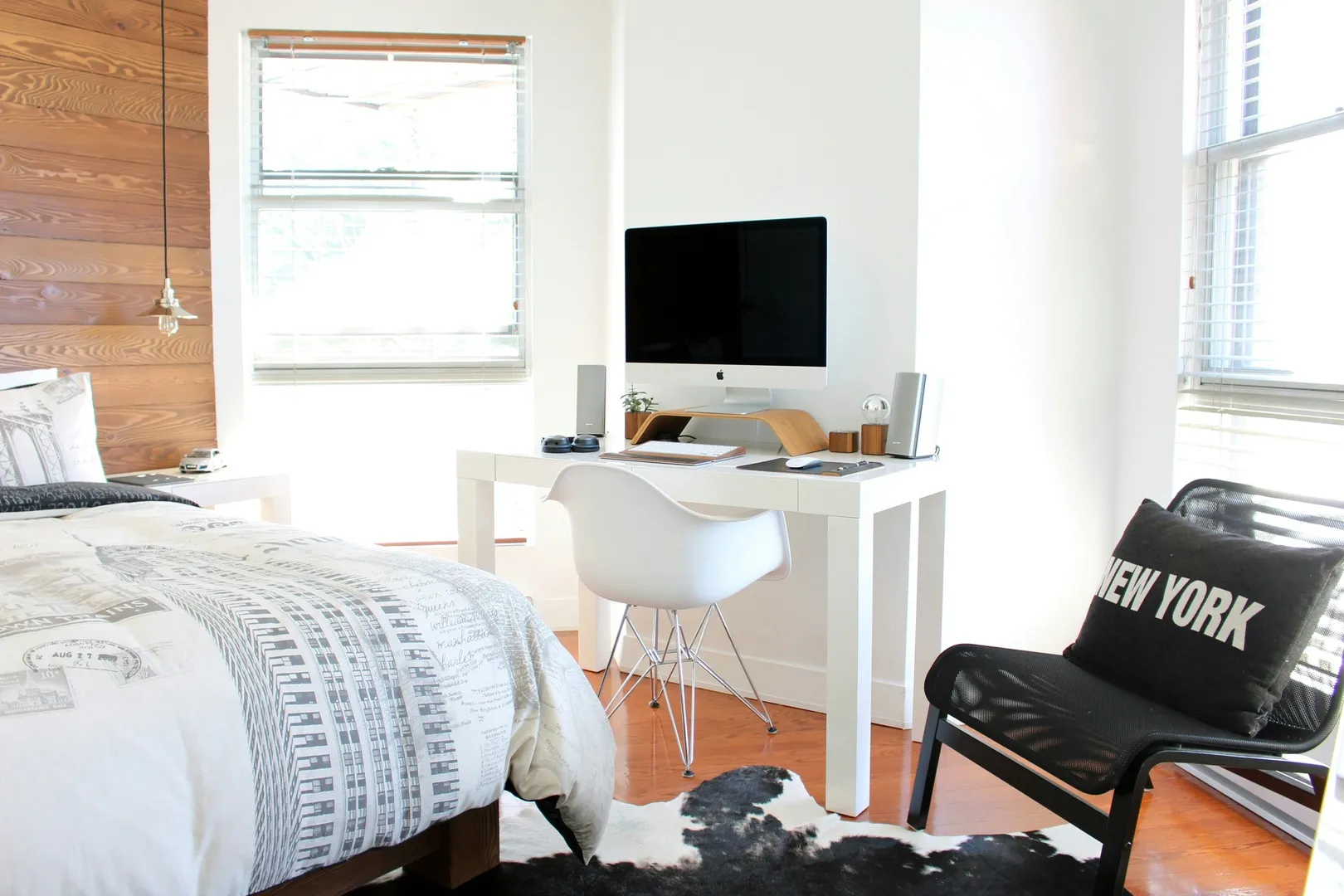
AI dorm room design result
Before: AI dorm room design result
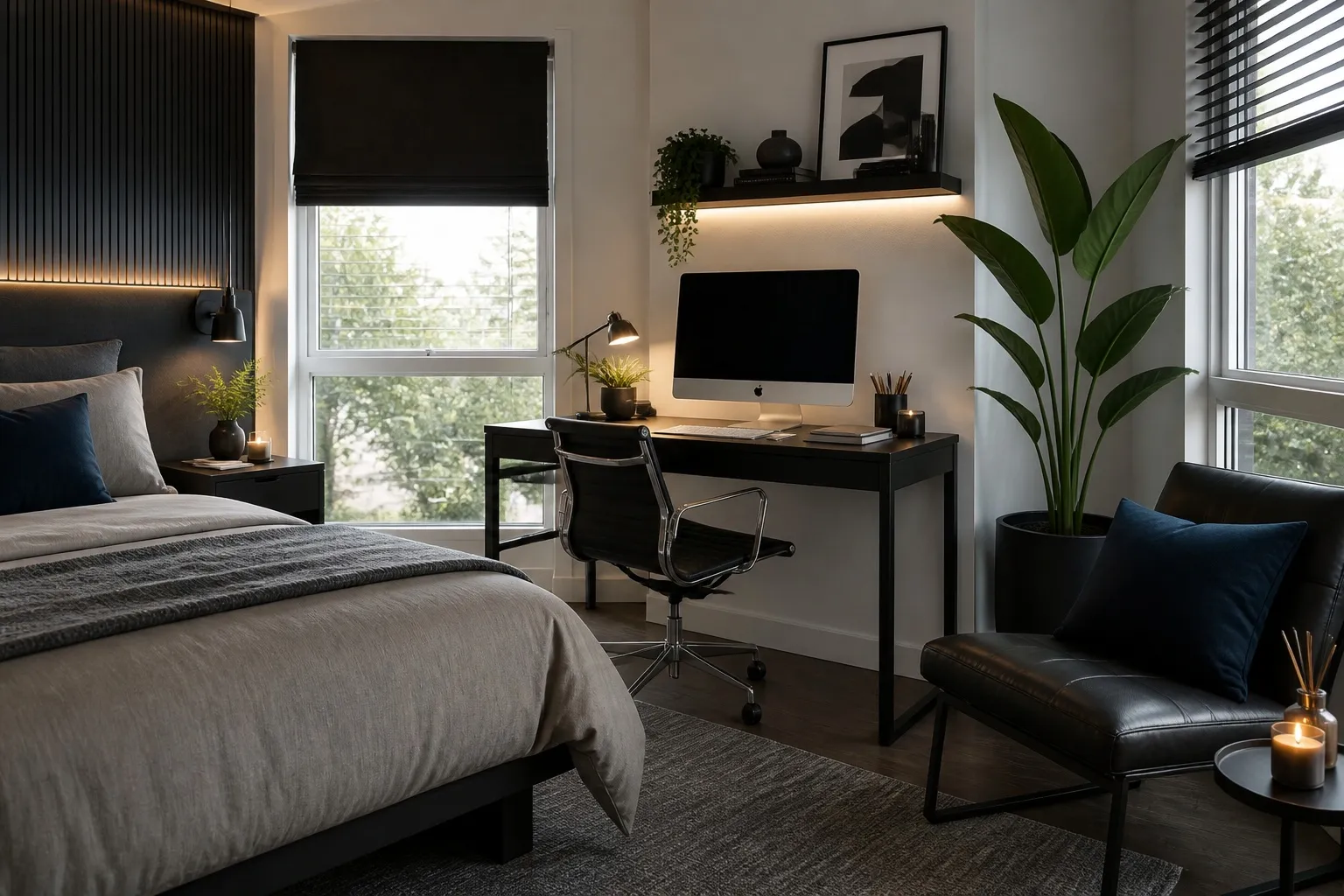
Renovate · Dorm

02 — Styles

Nothing to learn before the first result

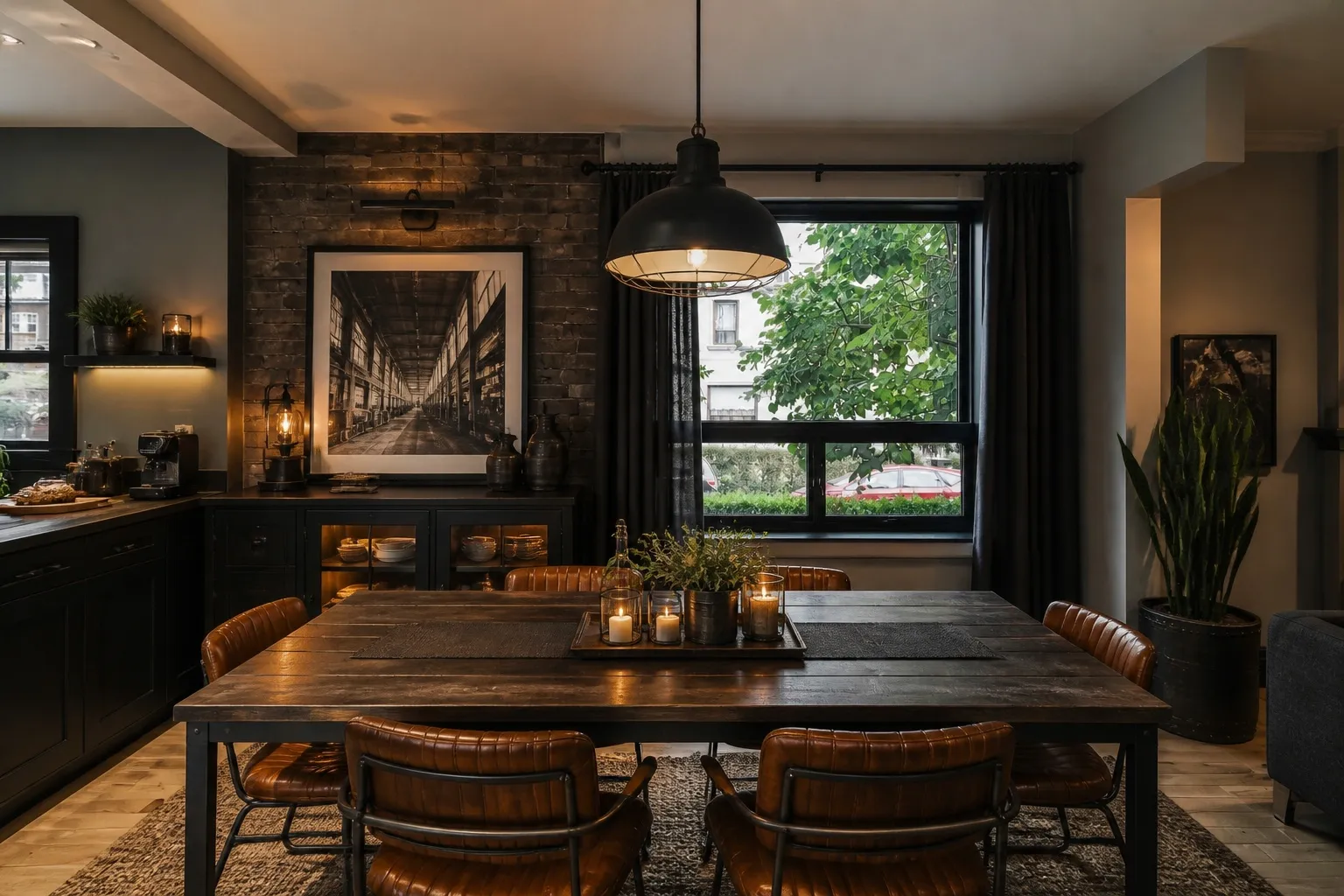
No canvas, no tool palette, no tutorial. The first result takes a minute. The second takes ten seconds, because that was the whole interface.
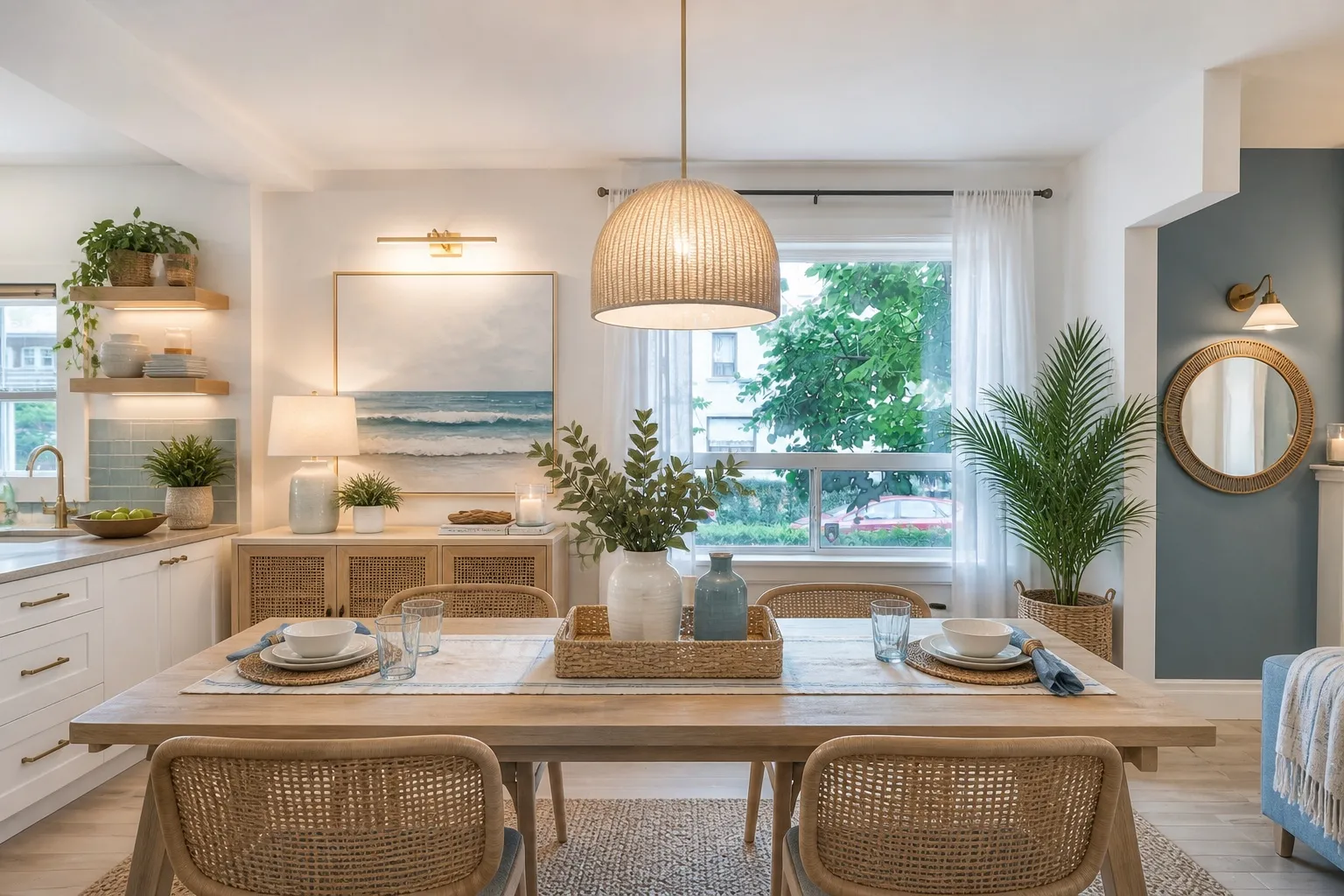
AI room design keeping the window and walls in placeCoastal
AI interior design for a dining cornerIndustrial
Home interior AI result for a dining cornerModern
AI home design app covering the whole houseScandinavian

Palettes

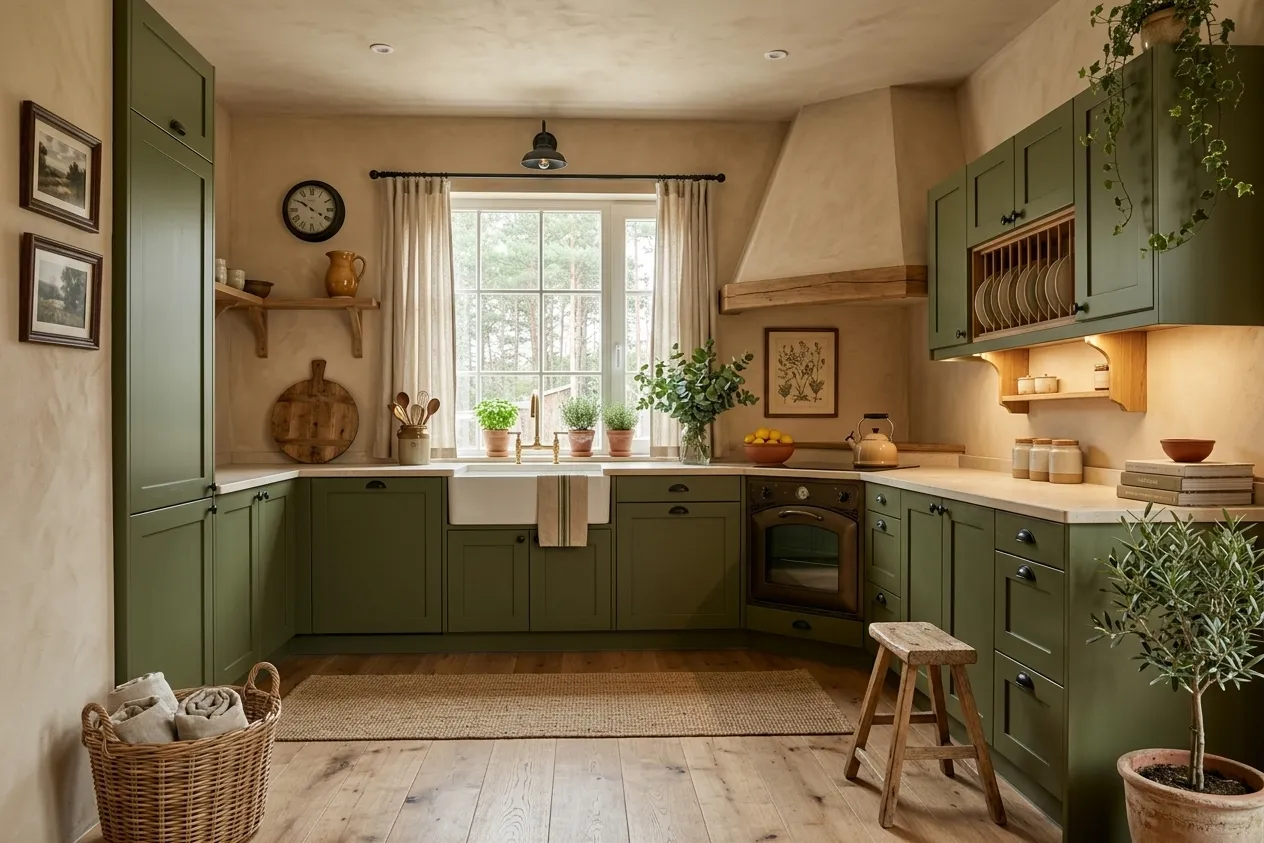
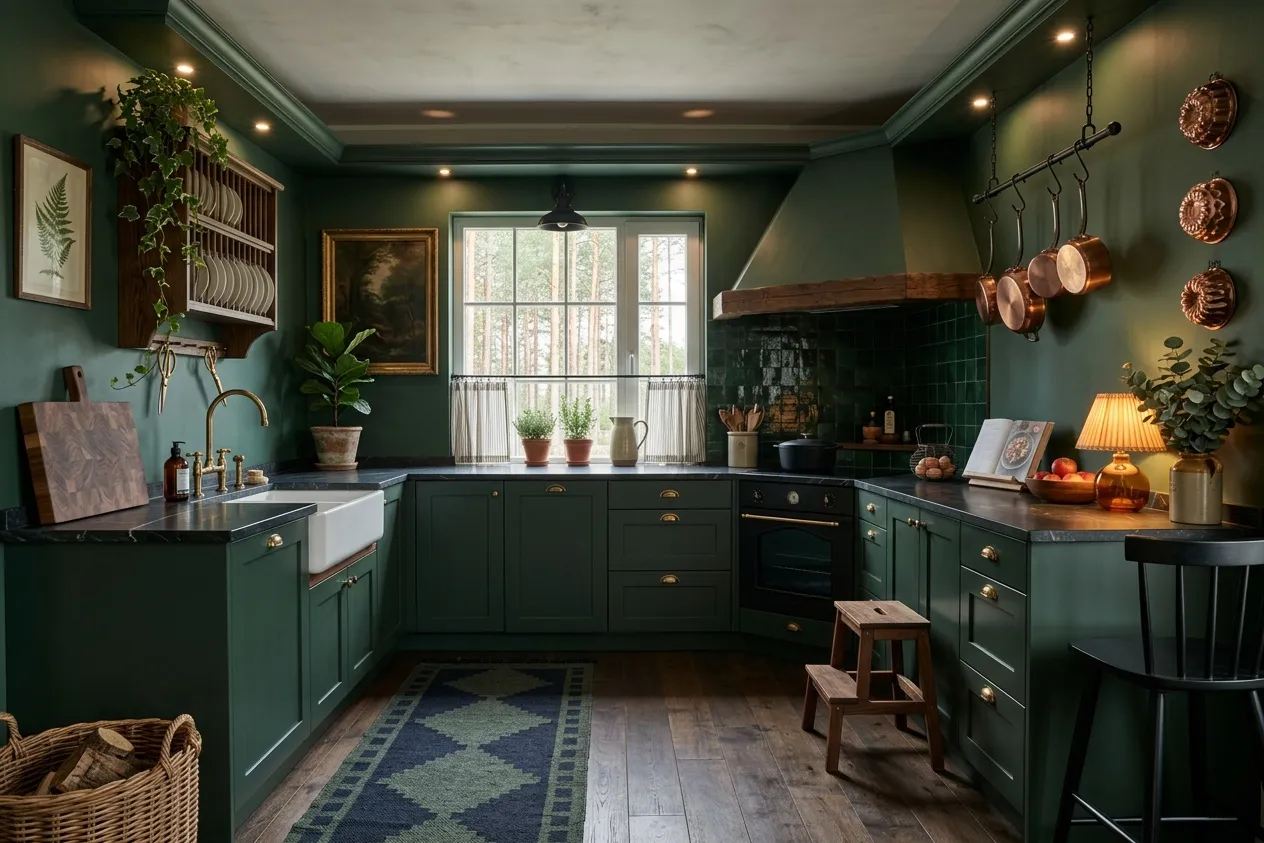
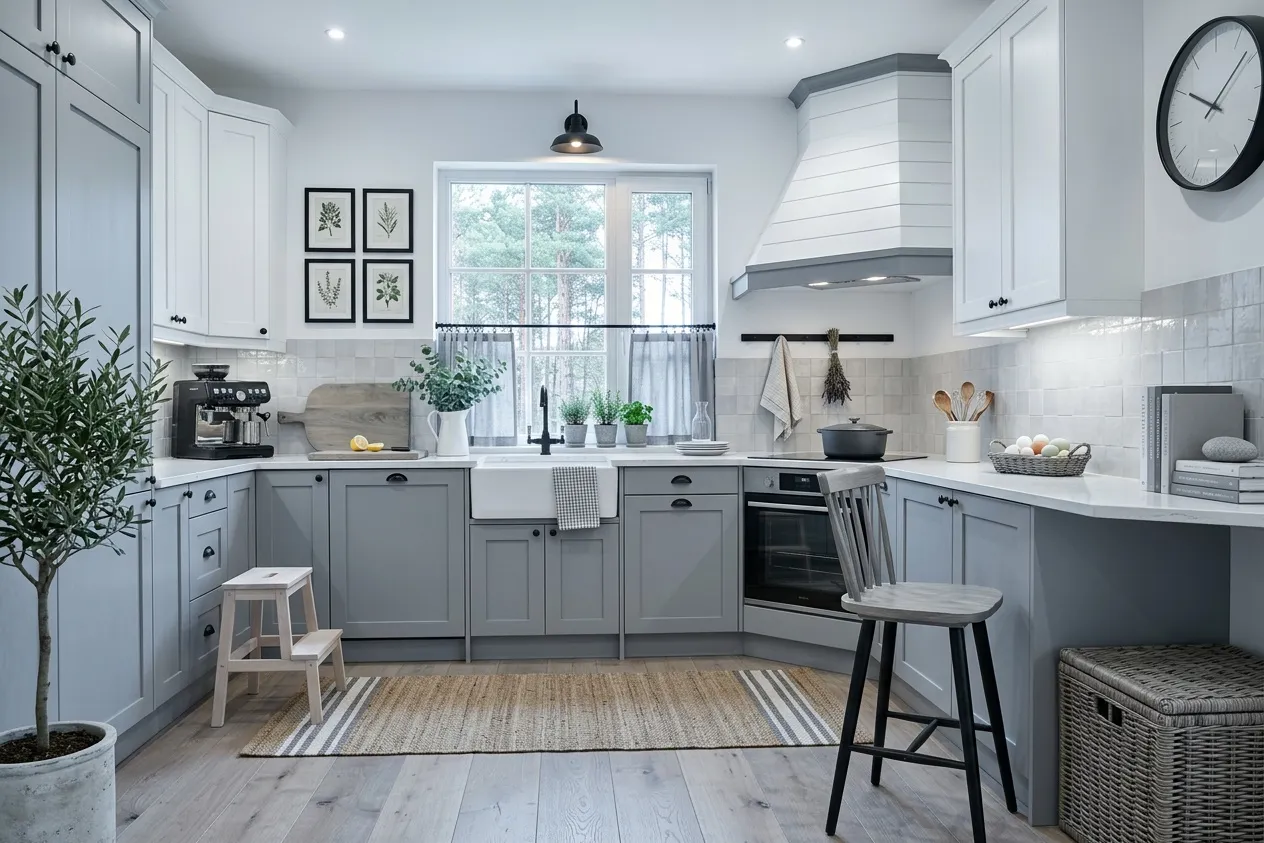
Pick the style, then the palette: nine of them, from warm neutrals to deep and dark to monochrome.
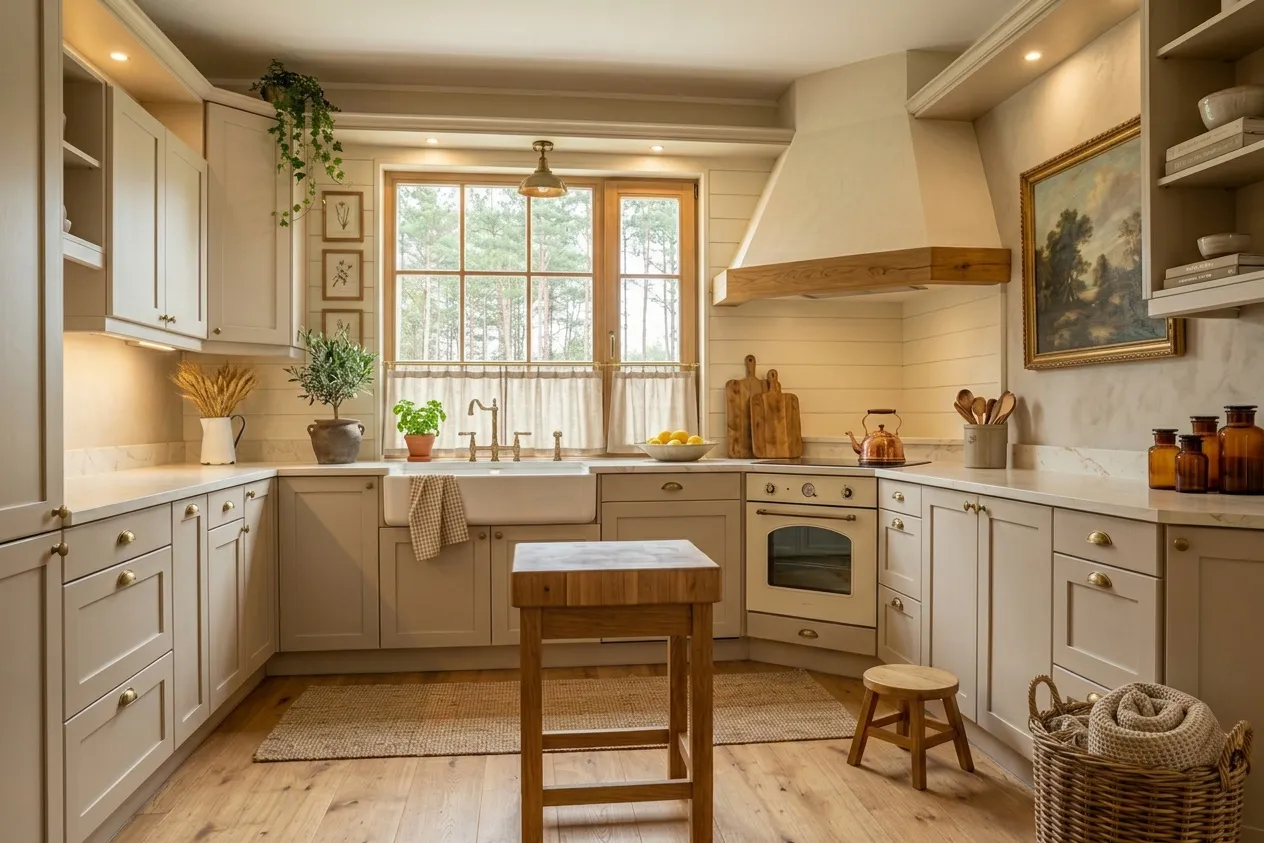
Kitchen renovated in the Farmhouse style with the Warm Neutrals paletteWarm Neutrals

Cream · Greige · Honey oak

The same kitchen renovated in the Farmhouse style with the Cool Neutrals paletteCool Neutrals

White · Grey · Black steel

The same kitchen renovated in the Farmhouse style with the Earth Tones paletteEarth Tones

Olive · Plaster · Terracotta

The same kitchen renovated in the Farmhouse style with the Deep and Dark paletteDeep & Dark

Forest green · Copper · Soapstone

03 — How it works

Three steps, about a minute

01

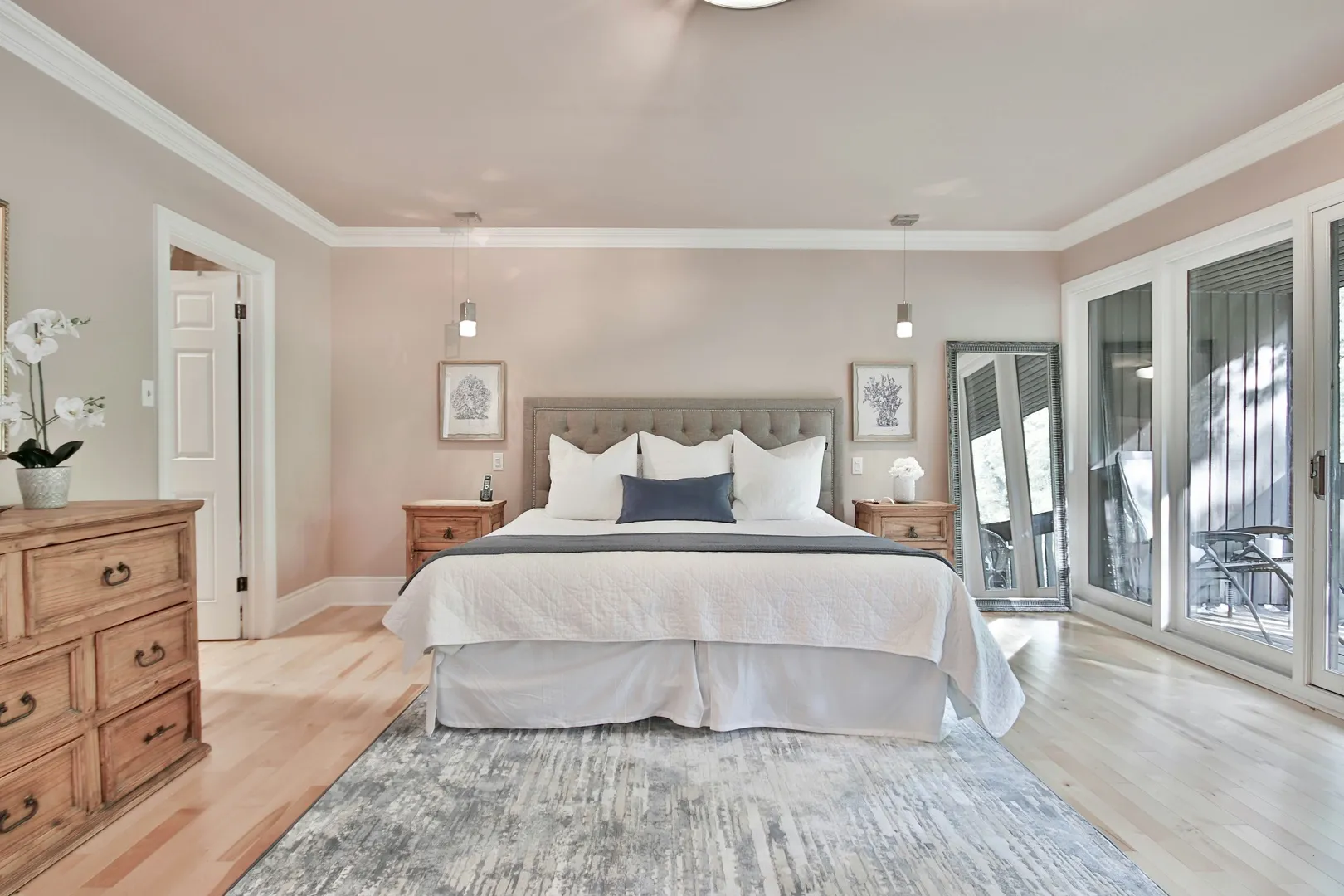
Take a photo of the room. A phone shot from the doorway is enough; no need to tidy up first.
S10 free

Drag a photo here

JPG or HEIC, straight from the phone

Upload photo
Recent
02

Say what to change. Pick a style, or name one thing: the sofa, the wall color, the cabinets, the empty corner.
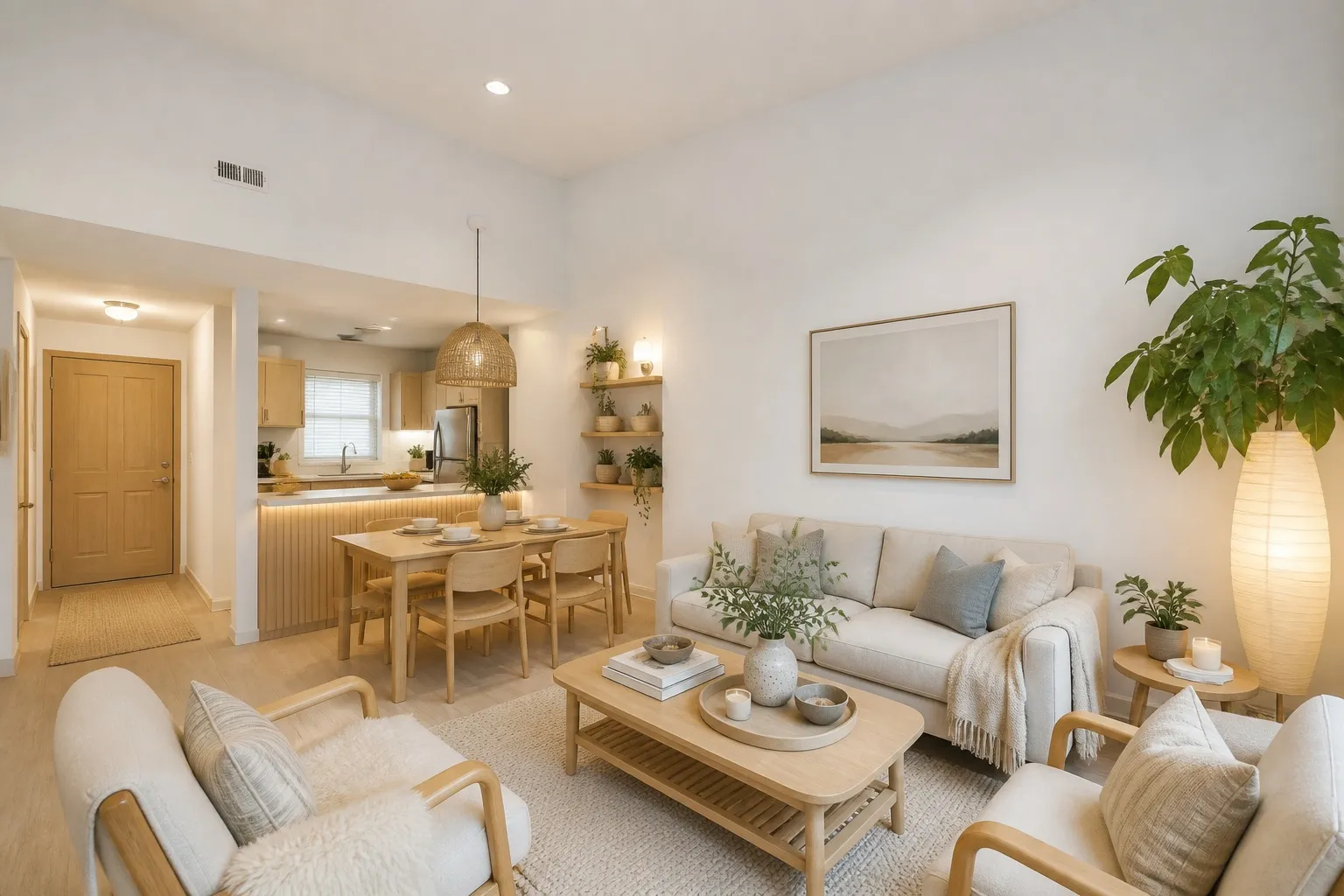
IMG_2041.heicLiving room · 4032 × 3024Change

Preset

RenovateDecorateDeclutter

Style

ModernScandiJapandiCoastal

Palette

keep the sofa, swap the rug for something warmer…
03

Get it back and keep going. Change your mind, run it again, compare the versions side by side.

BeforeAfter · Modern
Versionsv2 of 3
DownloadRun againFull size, no watermark

Free

Ten designs free, no install, no project setup.

Design my room

10 free designs · no credit card

04 — Pricing

Pay for what you use

10 designs free when you sign up. After that you buy packs of credits from $9, one credit per design. No subscription, so there's nothing to cancel.

Free

10 designs free when you sign up. No credit card, no trial to cancel.

Design my room

Starter

Enough to settle one room.

$9

20 designs
Credits never expire, unused ones stay yoursFull resolution, no watermarkThe credit counter stays on screen

Standard

A few rooms, a few directions each.

$19

Save 30%
60 designs
Credits never expire, unused ones stay yoursFull resolution, no watermarkThe credit counter stays on screen

05 — Questions and answers

Straight answers

What software do interior designers use?

Studios run three things at once: one for projects and invoices, one for drawings, one for images.

What software do most interior designers use for images?

Rendering suites, if the client is paying for a render. For a quick look at a real room, a photo tool is faster.

Is there free interior software?

Ten designs here cost nothing. Most professional software is a subscription or a seat licence.

Do I need to build the room first?

No. The photo carries the room.

Where do uploaded photos go?

Into your account and nowhere else. They exist to make your designs; delete them and they are gone. The free ten start after sign-up.

From photo to decision in one evening

Design my room

10 free designs · no credit card